




Introduction
Welcome to our official blog post, where we explore the cutting-edge remote text messaging feature available on Flyingvoice IP Phones. In this article, we will guide you through the process of configuring and utilizing this powerful functionality.
Step-by-Step Configuration Guide
1. Accessing Device IP: Begin by activating your device and pressing the [OK] button in standby mode to discover the device's unique IP address.
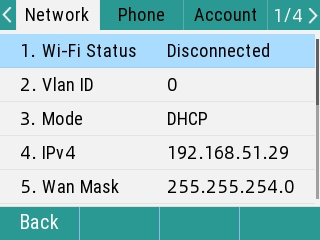
2. Logging into the Backend: Open your preferred web browser and enter the device's IP address (e.g., http://ip). Press [Enter] to access the device's secure backend page.
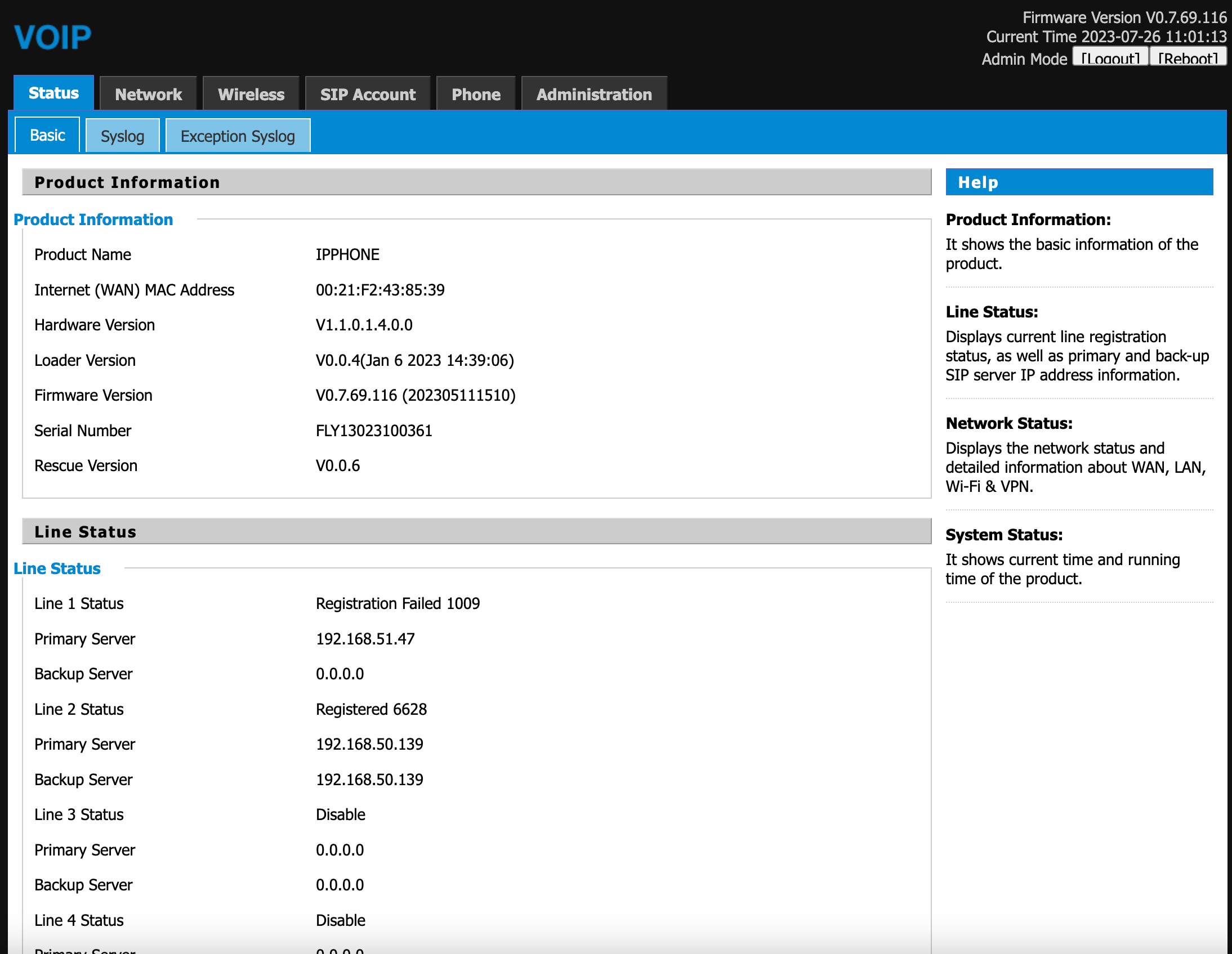
3. Configuring Remote Text Message Update: Within the backend interface, navigate to [Phone] > [Preferences]. Here, locate the configuration settings for [Remote Text Message Update]. Enable the feature by selecting [Remote Text Message Update Enable].
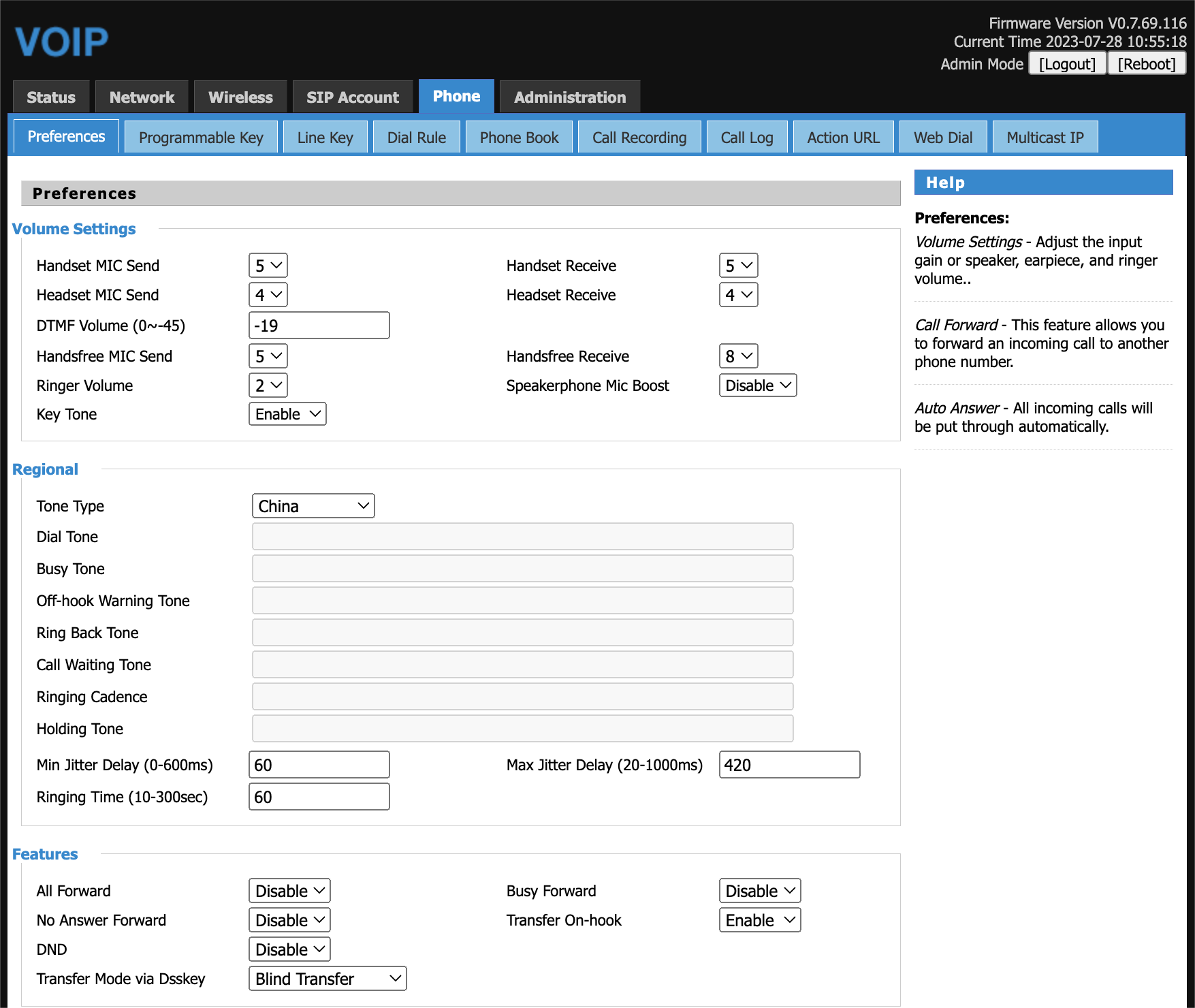
4. Setting the Interval Time: Tailor the update frequency by setting the [Intervals Time] in seconds. This parameter determines how frequently the device requests to download the text message.
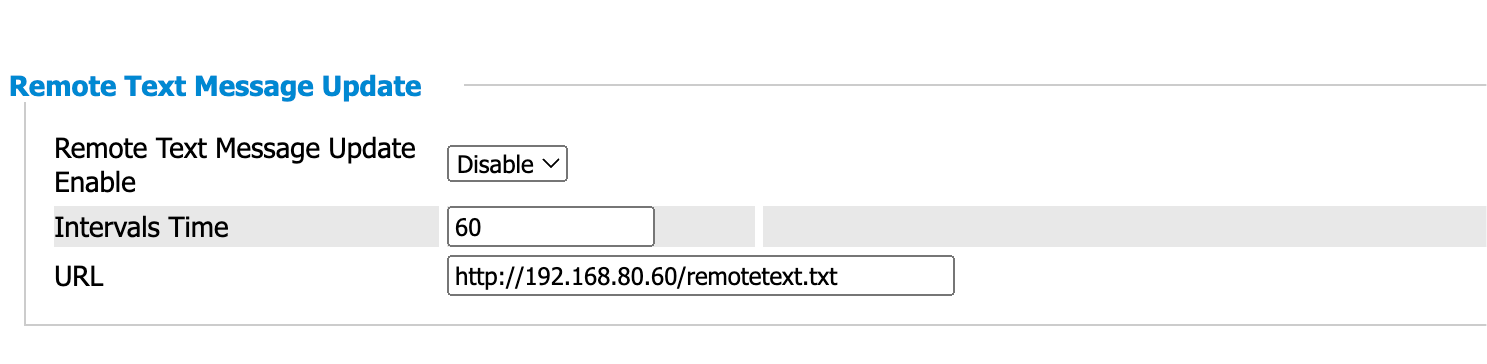
5. Defining the Remote Text Message URL: Enter the URL of the designated server containing the desired text message content. You can customize this information to include essential updates such as "weather" and "temperature."
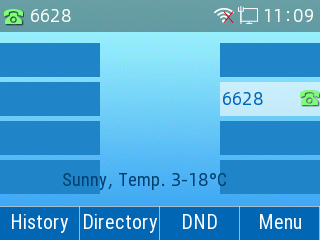
6. Saving and Applying Configurations: To complete the configuration process, scroll to the bottom of the webpage and click the [Save and Apply] button. The device's LCD screen will now display the configured text message prompts.
Enhancing Versatility
Beyond the basics, the remote text messaging feature offers endless possibilities. Though simple text files serve well for notifications and memos, a more dynamic approach is achievable with server-side enhancements. Consider integrating programming capabilities to harness weather APIs, hot news interfaces, and other relevant data sources. By converting real-time information into text format, users can experience dynamic updates displayed directly on their Flyingvoice IP Phones.
Conclusion
The remote text messaging feature on Flyingvoice IP phones empowers users with seamless communication and information dissemination. As an official tool for notifications, reminders, and other vital messages, it transforms the way you stay informed. For those seeking elevated functionality, the integration of server-side advancements allows for real-time updates, elevating the user experience to new heights.


 Back to list
- The SIM Card Is Where POTS Replacement Projects Get Held Up
- VoLTE or VoIP for Elevator and Emergency Phones?
- Turn POTS Replacement Into a Repeatable Business: Five Flyinglink Capabilities MSPs Underuse
- The Hidden Cost of POTS Replacement: What Happens After Installation?
- One POTS Replacement Strategy Does Not Fit Every Customer